“Don’t touch it if it works” is quite a dangerous way to manage a Rails application.
Everything may run fine today, but inside the codebase, the cost of every change keeps rising. You’ll notice that by the deployments getting slower, security fixes turning urgent, or dependencies becoming harder to update.
The solution is clear: a complete Rails 5 to Rails 8 migration. But what if it breaks critical business flows, causes transaction errors, or disrupts checkout and orders?
With the Ruby on Rails services we’ve delivered since 2013, including modernization and upgrade projects, we know how to upgrade Rails without downtime and without interrupting key business processes.
Keep reading to learn when staying on Rails 5/6 becomes a business risk, why upgrades often fail, and how to modernize safely based on a real project we’ve delivered.
Contents:
- Why staying on Rails 5/6 is a business risk
- How to upgrade Rails without downtime
- Rails 5 → 7 upgrade maintaining critical user flows
- 5 Rails upgrade traps and how to avoid them
- Next steps: the first 3 moves
Why staying on Rails 5/6 is a business risk
Officially, the Rails core team maintains a rolling support window. When a version reaches End of Life (EOL), like Rails 5 or 6, the community stops shipping security patches and bug fixes and focuses on newer releases.
If you stay on an EOL version, your app is on its own. While the system still delivers value, minor issues inside turn into business risks. Here they are:
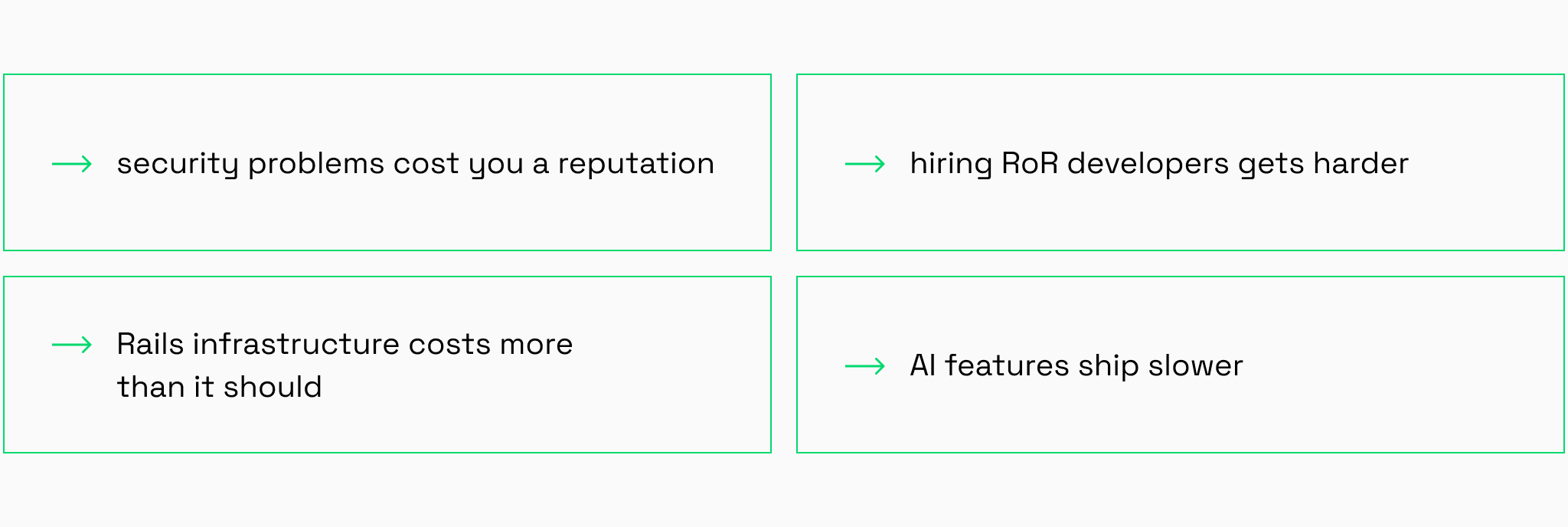
1. Security problems cost you budget and a reputation
Rails 5 and 6 have officially reached their end of maintenance and are cut off from all Rails security updates. It means that you’re dealing with unsupported Rails version risks: when a new vulnerability appears, your developers often can’t just update and deploy. Now they need to patch around old dependencies and pinned gems.
The consequence: security patches interrupt feature development, releases become riskier, and the “time to fix” gets longer. But that’s not all.
If a real incident happens, the cost of maintaining legacy frameworks also transforms into software compliance risks, lost revenue during disruption, damaged customer trust, and time spent on recovery instead of growth.
2. Hiring RoR developers gets harder
Modern Rails developers want to build with Hotwire and Turbo, not wrestle with a 5-year-old Webpacker config. When you request a new feature, your team spends days figuring out how to glue it onto an outdated system.
The consequence: You pay for hours of “workaround logic” instead of actual growth. That adds extra development hours, increases code complexity, and makes delivery dates less predictable.
3. Your Rails infrastructure costs more than it should
Older Ruby and Rails versions can quietly increase infrastructure costs because they limit your options and make efficiency work harder.
When you’re on Rails 5/6, you’re often constrained by older Ruby versions and legacy dependency chains. That can mean fewer performance improvements available out of the box, more time spent on maintenance work, and less flexibility to adopt newer runtime and framework optimizations.
| Cost driver | Old stack (Rails 5/6 + older Ruby) | New stack (Rails 7/8 + modern Ruby) | What it means |
| App server efficiency | Fewer runtime improvements available; more legacy constraints | Benefits from newer VM/runtime improvements and framework updates | More capacity headroom for the same hardware, depending on workload |
| Maintenance overhead | More time spent on compatibility, pinned gems, and workarounds | More time goes into product work vs. keeping the stack running | Engineering time shifts from “keep it alive” to “make it better.” |
| Database load | Often harder to improve without refactoring; patterns may be less optimized | Easier to apply modern patterns, profiling, and framework improvements | Reduced DB pressure is achievable through targeted fixes (not automatic) |
| Scaling behavior | You may scale sooner due to inefficiencies or slower tuning cycles | More headroom and faster tuning cycles | Fewer emergency scale-ups; performance work becomes more predictable |
Here’s what our VP of Engineering, Ilya, says:
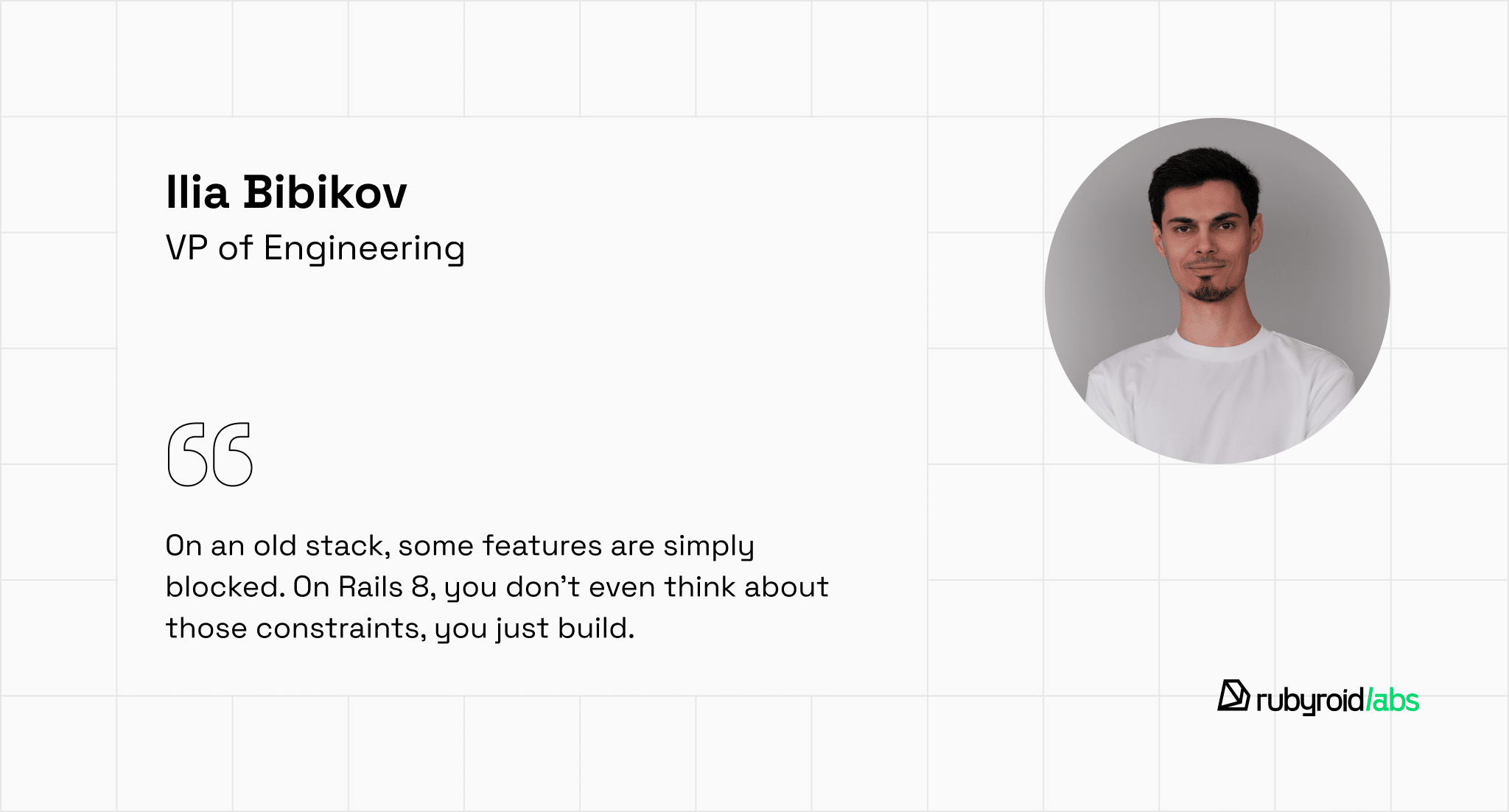
The consequence: You’re paying a higher monthly cloud bill and wasting engineering hours just to keep the app stable under load. You also miss out on the native optimizations in newer Rails versions that make the framework inherently faster without extra tuning.
In Rails 8 and 8.1, for example, the Solid stack (Solid Queue, Solid Cache, Solid Cable) can reduce server load and operational overhead by moving jobs, caching, and real-time features onto your existing database instead of running and tuning extra services like Redis.
4. AI features ship slower
AI features and automation need clean integrations, reliable background jobs, and good observability. Legacy monoliths make this harder because weak boundaries, outdated dependencies, and limited modern CI/CD patterns slow everything down.
Modern AI tooling expects recent framework versions. Vector databases like pgvector require PostgreSQL 13+ and Ruby 3.1 for optimal performance. LLM integration gems (ruby-openai, langchainrb) need Ruby 3.0+ and modern Rails APIs for streaming and async processing.
On Rails 5 with Ruby 2.5, you’ll patch compatibility instead of shipping features.
The consequence: AI initiatives move slower, cost more, and ship with higher risk because the platform isn’t ready for rapid iteration.
If you already know you need a Rails upgrade but you’re not confident about the current state of your codebase, a Rails code audit can help you understand where to start.
Our Ruby on Rails developers with 12+ years of experience will review your application and identify the main pain points and upgrade blockers. You’ll get a practical roadmap showing what to fix first, what can be upgraded safely, and what needs refactoring.
Once the blockers are identified and the upgrade path is clear, execution becomes predictable. The following success stories show how Rails upgrades can be shipped without downtime when the process is done right.
How to upgrade Rails without downtime
There was a time when upgrading a Rails application felt like a high-risk operation. The process was manual and labor-intensive and often required “maintenance mode” screens and midnight deployments.
Business operations ground to a halt: no new orders could be processed, customers couldn’t access their accounts, and support tickets piled up. If something went wrong during the upgrade, the downtime could stretch from hours into days, translating directly into lost revenue and frustrated users.
Fortunately, the Rails ecosystem has matured. Rails now includes built-in automation tools, like bin/rails app:update for migrating configuration files and config.load_defaults for gradual feature adoption, that handle much of the tedious work.
So, combined with modern deployment strategies, we can now upgrade Rails without downtime as a parallel process while the application continues serving users without interruption.
Our Rails migration strategy
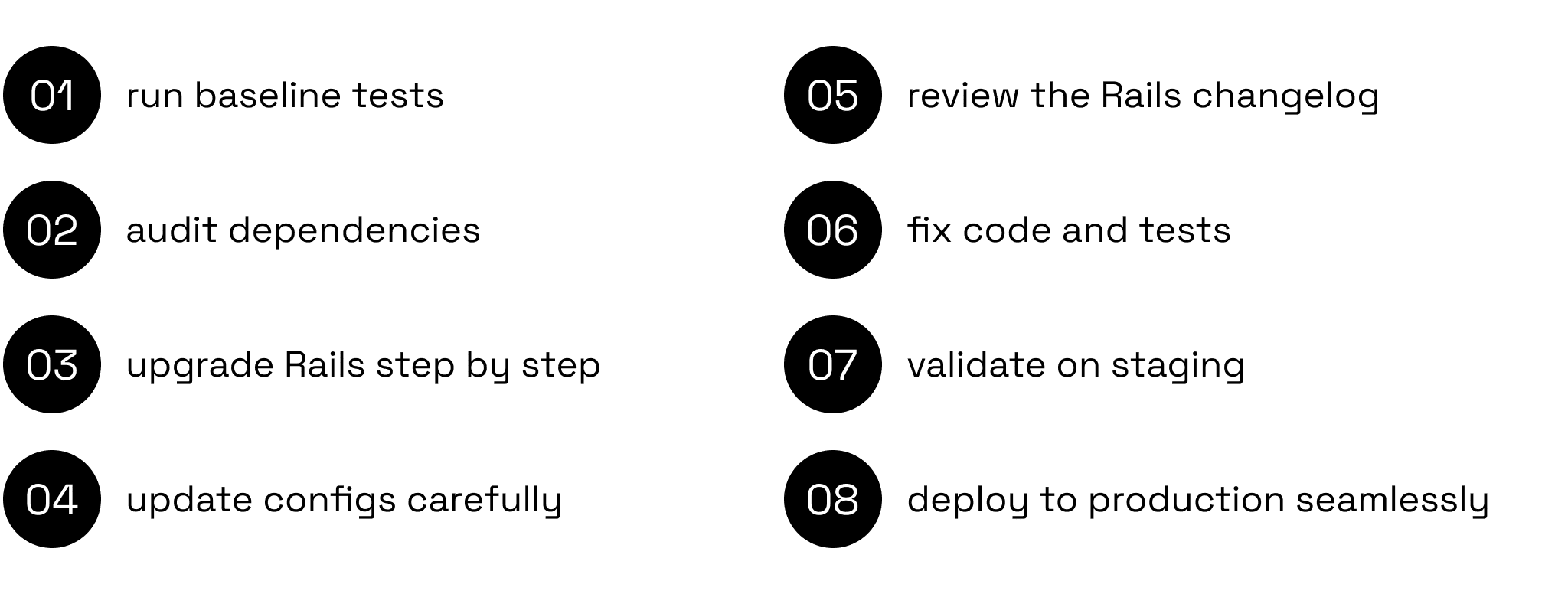
On paper, this step-by-step Rails upgrade plan looks straightforward. In reality, every legacy codebase has its own “personality” with hidden dependencies, custom-built logic, and specific business pressures that require a tailored touch.
Let’s explore the legacy system modernization through a success story from our senior developer, Vlad.
Rails 5 → 7 upgrade maintaining critical user flows
Industry: real estate
Product: A platform where agents list properties for sale, schedule tours for buyers, and provide detailed property information.
Upgrade: Rails from 5 to 7 version.
Core challenge: Keep critical user flows stable while moving to a newer Rails version, despite potential gem incompatibilities and framework-level behavior changes.
Time spent: 2.5 weeks of systematic upgrade work (Rails 5→6→7), thanks to thorough dependency auditing and incremental validation at each stage.
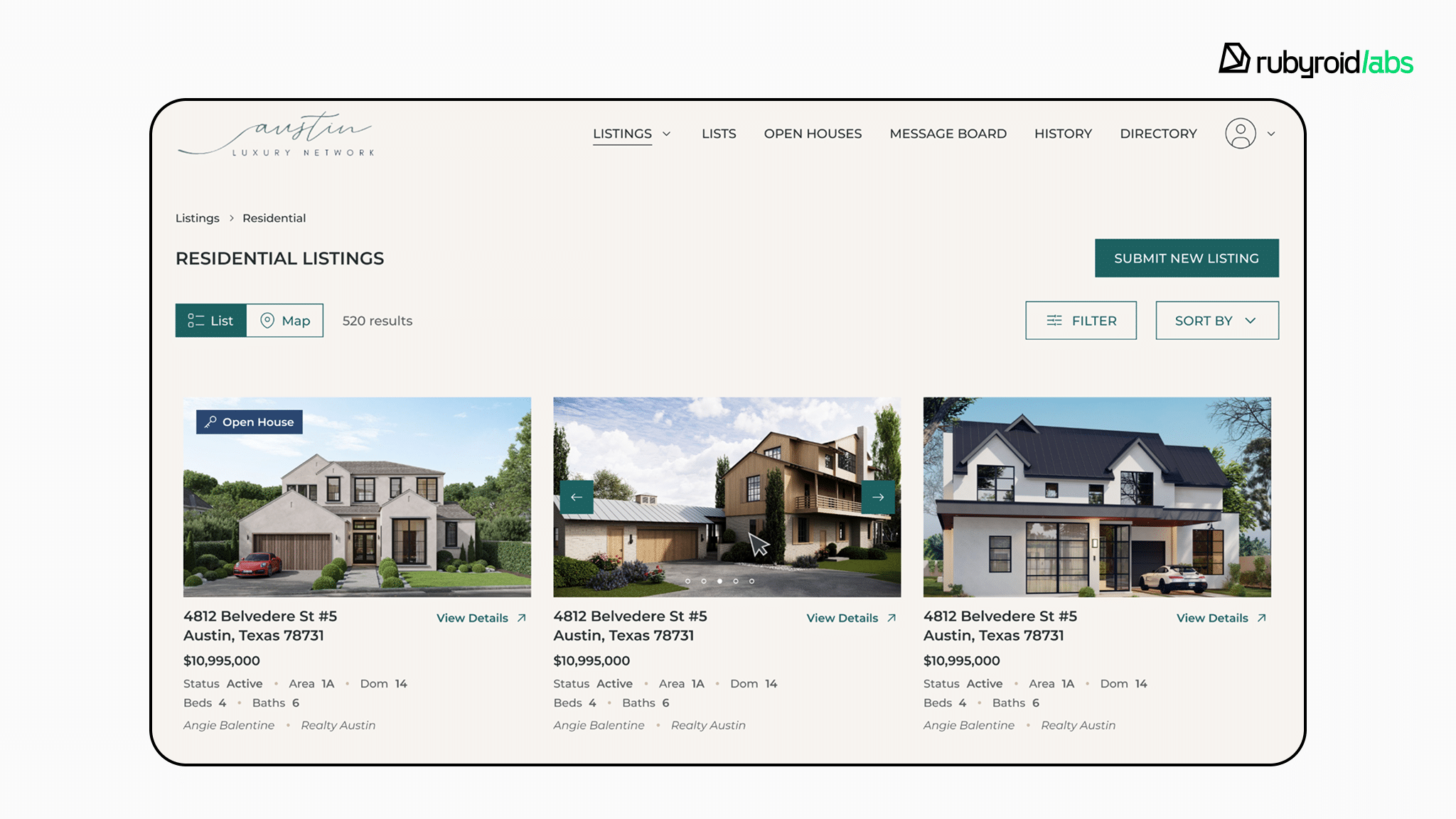
The process:
- Step 1: Establishing baseline
We ran the existing test suite to create a detailed snapshot of all working functionality like property listings, search filters, and user authentication. This baseline became our safety net, ensuring we could verify that every critical business feature still worked after the upgrade. - Step 2: Planning an incremental upgrade path
Rails upgrades are safest when done sequentially through major versions and stabilized on the latest minor release at each stage. In our case, we followed this path: Rails 5.x → 5.2, then 5.2 → 6.0, then 6.0 → the latest 6.x minor, and finally 6.x → 7.0. This step-by-step approach kept each transition manageable, ensured stability at every stage, and prevented compounding issues that would be difficult to debug. - Step 3: Auditing dependencies and review changelogs
We analyzed every third-party library for compatibility with each Rails version. For example, one gem that handled background job processing became obsolete after Rails 6.1, requiring us to find a modern replacement with identical functionality. We also reviewed the Rails changelog for each version to identify breaking changes that could affect property search, user authentication, or tour booking features. This prevented surprises mid-upgrade. - Step 4: Upgrading locally first
For each Rails version (5 → 6, then 6 → 7), we performed the upgrade in our local development environment first. Using bin/rails app:update, we migrated configuration files while preserving custom business logic, like specific settings for property image uploads and tour notification timing. Each configuration change was reviewed manually to ensure we didn’t overwrite critical customizations. - Step 5: Fixing breaking changes and updating code
At each upgrade stage, we updated application code to match new Rails conventions and ensured all gem-dependent code worked with the updated libraries. For instance, when replacing the obsolete background job gem, we verified that property notification emails and tour reminders still triggered correctly. - Step 6: Validating with tests
After each Rails version upgrade, we ran the full test suite and compared results against our baseline. If tests passed, we moved to manual testing, actually clicking through the platform, creating listings, scheduling tours, and testing search filters to catch issues automated tests might miss. - Step 7: Deploying to production without downtime
Once everything worked perfectly locally, we deployed to production. The platform continued running normally: agents kept listing properties, buyers kept scheduling tours, and no one noticed the technical transformation happening behind the scenes.
The result
The platform operated continuously while we modernized its foundation, gaining improved security, better performance, and years of continued framework support.
5 Rails upgrade traps and how to avoid them
Most Rails upgrades fail because teams run them like a one-time technical event, without a controlled plan and the right safety checks.
When a team lacks upgrade experience and fundamental skills such as attention to detail, persistence, and thoroughness that these projects demand, they might face serious traps when upgrading legacy web applications.
Trap #1: Weekly production deploys during upgrade
Your team deploys Rails upgrade changes to production incrementally: dependencies one week, code changes the next. Since upgrades affect the entire app, each deploy needs complete regression testing. The process drags on, testing becomes repetitive, and nothing really de-risks.
What it costs you:
- Repetitive testing cycles that waste weeks of engineering time.
- Multiple production deployments, each with potential for issues.
- Feature work stays frozen while the upgrade stretches on.
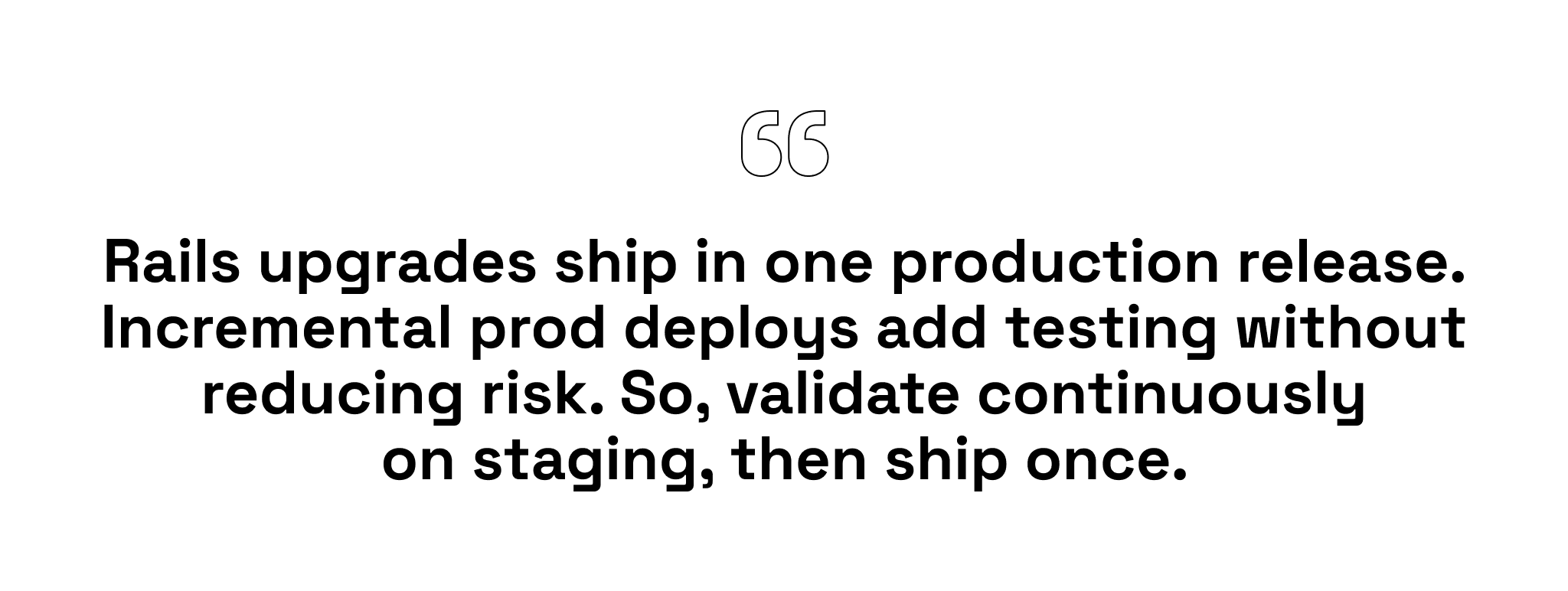
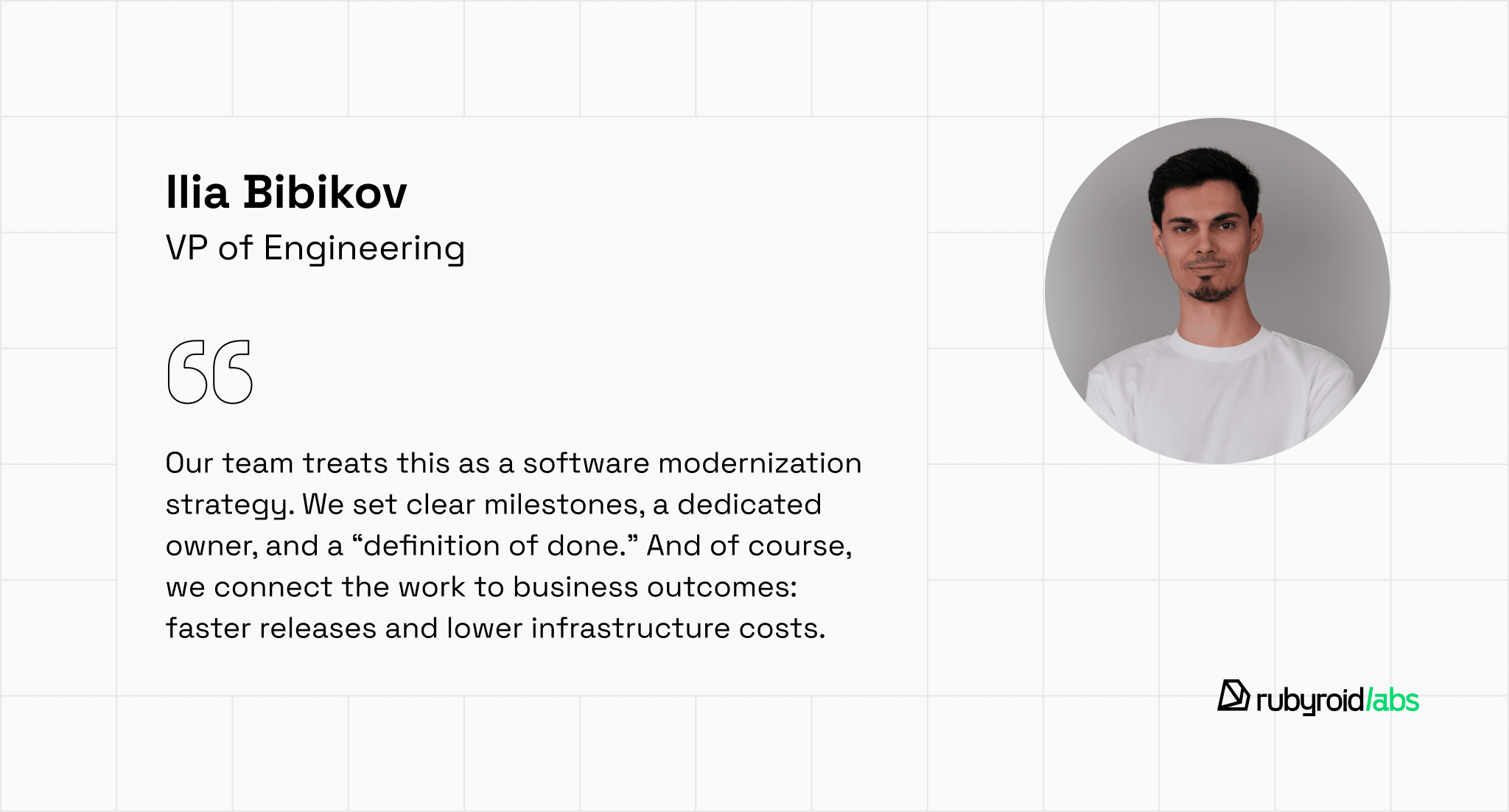
Here’s the solution from our VP of Engineering, Ilya:
Trap #2: Jumping straight to the latest Rails version
To save time, the team tries to upgrade Rails 5 to Rails 8 at once and upgrades Ruby and key gems in the same pass. Breakages show up everywhere, but it’s unclear what caused what: Rails version compatibility issues, Rails deprecation warnings turning into errors or dependency conflicts.
What it costs you:
- The team gets stuck in debugging instead of delivering features.
- Production fixes wait because the upgrade work is unstable.
- Users eventually feel it as rushed releases, regressions, and incidents.
Here’s what our team does instead and in particular our RoR senior developer, Vlad:
“We follow a Rails migration strategy: upgrade Ruby before Rails when needed, then move Rails step by step and ship each step. If something breaks, we know exactly which version introduced it.”
Trap #3: no test coverage
The upgrade starts without enough automated coverage, so the team relies on manual QA and clicking around staging. Edge cases slip through in background jobs, permissions, API endpoints, and scheduled tasks. Without a safety net, release decisions become fear-driven, and progress slows as the team tries to avoid breaking production.
What it costs you:
- Launch dates slip because nobody can prove the change is safe.
- Regressions appear in production first, not before release.
- Users lose trust when critical paths fail intermittently.
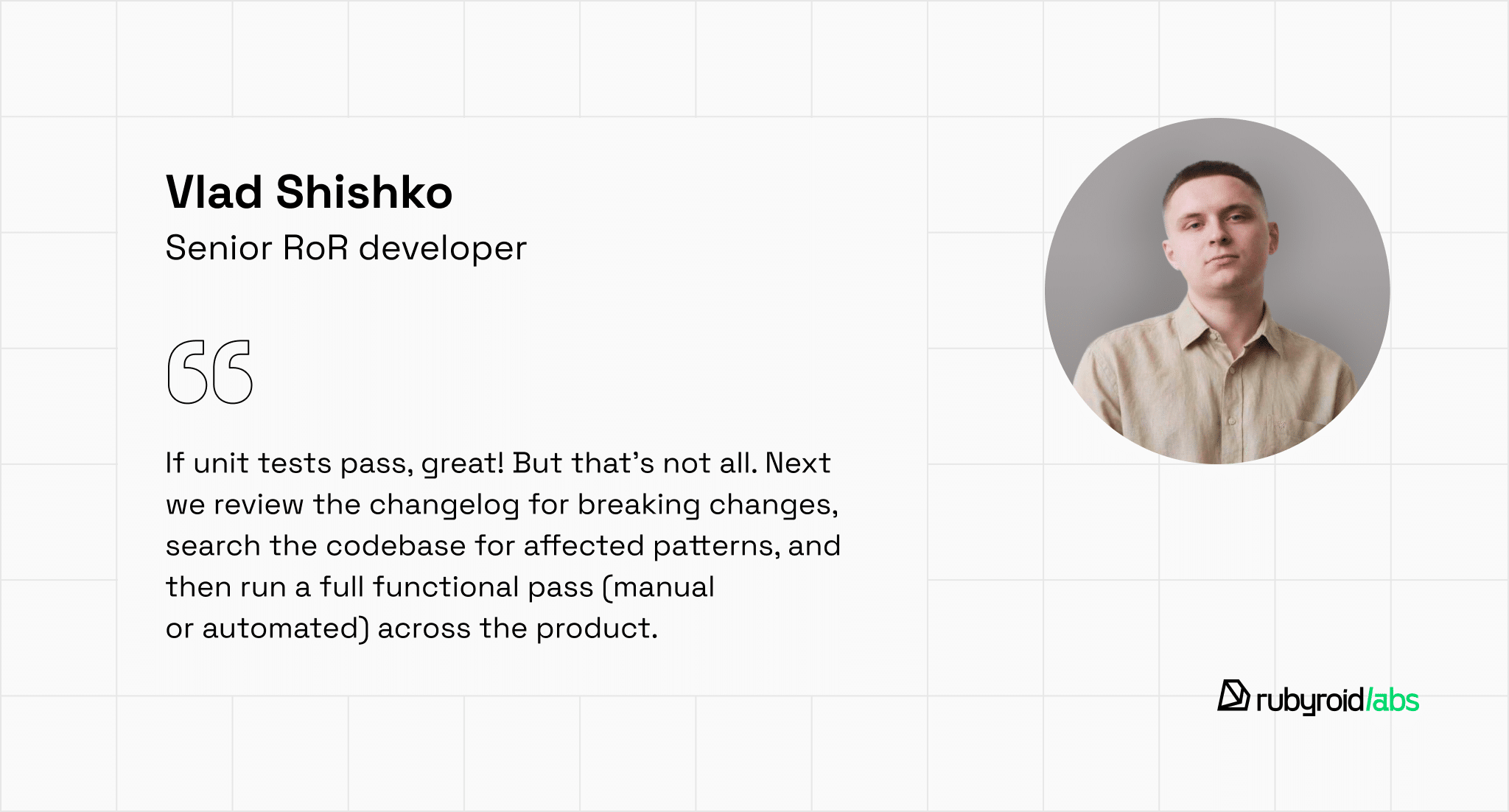
Here’s the solution from our senior engineer, Vlad:
Trap #4: Dependency dead-ends
The team modernizes a legacy Rails app without auditing dependencies. Mid-upgrade, they hit incompatible or obsolete gems, plus blockers like Sidekiq and front-end tooling changes. The work turns into dependency surgery instead of a clear upgrade plan.
What it costs you:
- The project stalls on blockers you didn’t plan for.
- Engineering time disappears into low-visibility compatibility work.
- Users may see degraded features while replacements are rushed in.
And some advice from our senior developer, Vlad:
“We audit dependencies and the changelog: confirm gem compatibility, flag obsolete gems, and plan replacements before the main upgrade. We’ve had gems that didn’t work past Rails 6.1. Replacing them early kept us from getting 80% in and stuck…”
Trap #5: treating the Rails upgrade as “tech debt”
The upgrade is often labeled as a technical debt in Rails, so it keeps losing priority to feature delivery. There’s no owner, no protected capacity, and no step-by-step Rails upgrade plan. You stay on an unsupported version longer, and the upgrade never becomes a true legacy system modernization project.
What it costs you:
- The upgrade drags on, multiplying cost and unsupported Rails version risks.
- You pay for slower delivery, rising maintenance, and software compliance risks.
- Users wait longer for improvements and performance gains.
Next steps: the first 3 moves
The Rails upgrade doesn’t have to mean downtime or broken user flows. As our real practice shows, modernization is a safe process when it’s led by developers who have real upgrade experience and the core traits these migrations require: attention to detail, persistence, and thoroughness.
Before you find your RoR team, here’s what you can do first to understand where to start your system upgrade:
- Audit your dependencies and test coverage first.
Before committing to a timeline, map out every third-party gem, identify obsolete dependencies, and assess your test suite. Knowing your blockers upfront prevents costly surprises mid-project. - Treat the upgrade as a business investment, not tech debt.
Tie the upgrade to measurable outcomes: reduced infrastructure costs, faster feature delivery, and eliminated compliance risks. Give it a dedicated owner and protect capacity so it doesn’t lose priority to feature work. - Start with Ruby and dependencies, not Rails.
Upgrade Ruby first, replace obsolete gems, and ensure critical flows like checkout and authentication are tested. Clear these blockers early so the actual Rails upgrade becomes the lowest-risk step.
The right Rails modernization strategy keeps your product stable for existing users while unlocking the opportunity to cut your monthly infrastructure costs and ship that AI-powered recommendation engine you wanted.